
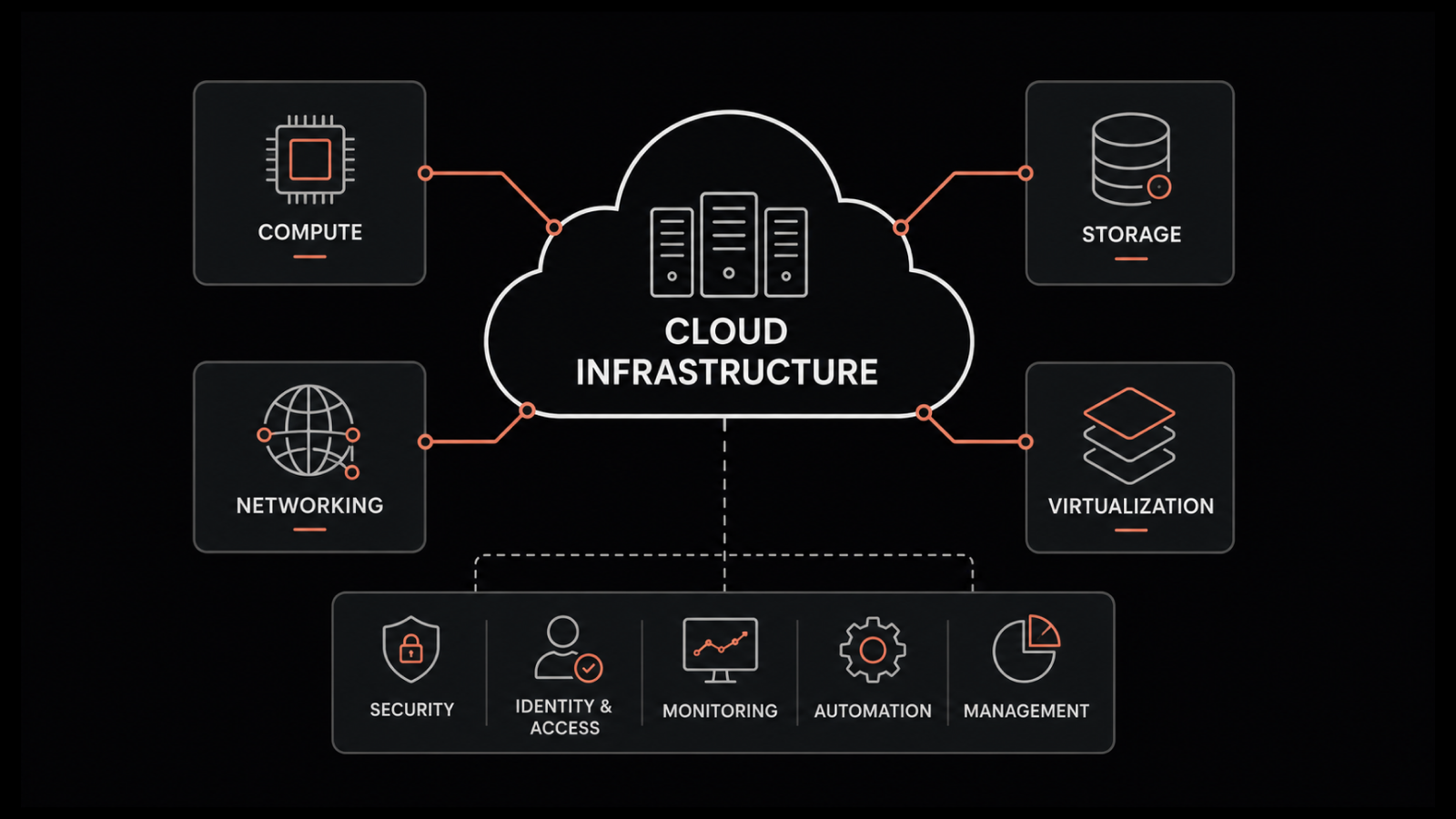
Infrastructure as Code Best Practices: Automating Enterprise Cloud Infrastructure
Introduction
Modern enterprises increasingly rely on cloud infrastructure to run applications, databases, APIs, and business-critical services. Managing these environments manually can become complicated as the number of resources, teams, and deployments grows.
Infrastructure as Code (IaC) addresses this challenge by allowing teams to define and manage infrastructure through machine-readable configuration files instead of relying entirely on manual processes.
Following Infrastructure as Code best practices helps organizations automate cloud provisioning, maintain consistent environments, improve security, and reduce configuration errors.
In this guide, we explore how IaC works, its benefits, essential implementation practices, and a practical approach to adopting infrastructure automation across enterprise cloud environments.
What Is Infrastructure as Code?
Infrastructure as Code is an approach to provisioning and managing infrastructure through code or declarative configuration files.
Instead of manually creating virtual machines, networks, databases, and access policies through a cloud console, engineers define the desired infrastructure in version-controlled files.
Automation tools then use those definitions to create, update, or manage the required resources.
Common Infrastructure as Code tools include Terraform, AWS CloudFormation, Azure Bicep, and other provider-specific or configuration-management solutions.
IaC can manage resources such as:
- Virtual machines and compute services.
- Cloud networks, subnets, and firewall rules.
- Databases and storage systems.
- Identity and access permissions.
- Load balancers and application infrastructure.
- Monitoring, logging, and security configurations.
The exact tool depends on the organization’s cloud platform, technical requirements, and operational strategy.
Why Infrastructure as Code Matters for Enterprises
1. Consistent infrastructure provisioning
Manual infrastructure creation can result in differences between development, testing, and production environments.
IaC allows teams to reuse reviewed configuration files and modules, making infrastructure deployment more consistent and repeatable.
2. Faster deployments
Automated provisioning reduces repetitive manual tasks and helps engineering teams create environments more efficiently.
Teams can provision approved infrastructure through deployment pipelines rather than repeating every configuration step manually.
3. Better change management
Infrastructure configuration can be stored in version control. Teams can review changes, compare versions, understand why resources changed, and revert configuration where appropriate.
This improves traceability and supports collaboration between development, operations, and security teams.
4. Improved security governance
Infrastructure definitions can include approved network rules, encryption settings, identity permissions, and other security requirements.
Automated checks can identify potentially unsafe configurations before deployment.
5. Easier disaster recovery
Version-controlled infrastructure definitions help organizations recreate supported environments when resources need to be rebuilt.
However, infrastructure code alone is not a complete disaster recovery solution. Data backups, application dependencies, secrets, recovery procedures, and restoration testing remain essential.
Eight Infrastructure as Code Best Practices
1. Store infrastructure code in version control
Use a version control system such as Git to manage infrastructure configuration files.
Version control enables teams to review changes, identify who made them, and maintain a history of infrastructure modifications.
Recommended practices include:
- Create separate branches for proposed changes.
- Review infrastructure changes through pull requests.
- Use meaningful commit messages.
- Protect important deployment branches.
- Tag or otherwise identify approved releases.
- Keep secrets and sensitive credentials out of repositories.
Treat infrastructure code with the same care as application source code because configuration changes can affect production systems.
2. Use reusable modules
Reusable modules help teams standardize common infrastructure patterns.
For example, an organization can maintain approved modules for networking, application hosting, logging, and database provisioning.
Modules reduce duplicated configuration and make it easier to apply consistent security and operational standards.
Each module should have clear inputs, outputs, dependencies, and documentation. Test changes before updating modules used by production workloads.
Avoid building overly complicated modules that attempt to support every possible scenario. Reusability should simplify infrastructure management rather than make it harder to understand.
3. Separate environments properly
Development, testing, staging, and production environments often have different access requirements, resource sizes, and deployment procedures.
Separate them using appropriate cloud accounts, subscriptions, projects, or other isolation mechanisms.
Use environment-specific configuration while keeping shared infrastructure definitions consistent where possible.
For example, a development environment may use smaller compute resources, while production requires stricter access controls, monitoring, and availability settings.
Never assume that separate configuration files alone provide sufficient security isolation.
4. Manage secrets securely
Infrastructure deployments often require credentials, API keys, database passwords, and other sensitive values.
Do not hardcode these secrets in Terraform files, CloudFormation templates, repository configuration, or deployment scripts.
Use an appropriate secrets-management service or secure CI/CD integration. Apply least-privilege access to deployment identities and prefer short-lived credentials where supported.
Also review deployment logs and state files because sensitive information may appear in generated outputs or stored infrastructure metadata.
Rotate exposed credentials promptly and establish appropriate access and retention controls.
5. Automate validation and testing
Infrastructure code should be tested before changes reach production.
A suitable validation process may include:
- Syntax and formatting checks.
- Configuration validation.
- Static security scanning.
- Policy-as-code checks.
- Module testing.
- Review of planned resource changes.
- Controlled deployment to a test environment.
For example, a pipeline can reject a configuration that introduces an unintended public access rule or omits a required encryption setting.
Testing requirements should reflect the potential impact of the infrastructure change.
6. Integrate IaC with CI/CD pipelines
Continuous integration and continuous delivery pipelines help teams validate and deploy infrastructure changes through a repeatable process.
A typical workflow includes:
- An engineer proposes an infrastructure change.
- The pipeline validates formatting and configuration.
- Automated security and policy checks run.
- The system generates a plan or change preview.
- Reviewers approve changes where required.
- The deployment process applies the approved changes.
- Monitoring verifies that the resulting environment behaves as expected.
Use appropriate approval gates for production changes and maintain a documented recovery or rollback strategy.
Be careful with automated destruction or replacement of resources, especially when databases and persistent storage are involved.
7. Detect and manage configuration drift
Configuration drift occurs when the actual infrastructure differs from the configuration defined in code.
Drift can happen when engineers make manual changes in a cloud console, automated systems modify resources, or infrastructure definitions become outdated.
Periodically compare actual resources with the desired configuration using the relevant IaC tools and cloud monitoring capabilities.
Investigate differences before applying corrective changes. Some manual modifications may be intentional emergency fixes that need to be incorporated into the source code.
Avoid automatically overwriting production resources without understanding the cause and potential impact of the drift.
8. Apply least privilege and policy as code
Infrastructure automation can create powerful cloud resources, so the identities running deployment pipelines must be carefully controlled.
Use separate deployment identities for different environments where appropriate. Grant only the permissions needed to manage the intended resources.
Policy-as-code tools can enforce organization-wide requirements such as approved regions, mandatory tags, encryption settings, and restrictions on public exposure.
Keep policy rules version-controlled, test changes, and document exceptions through an approved process.
These controls